HTML, CSS, and JSON Formatting Workflow: A Practical Cleanup Guide for Fast Teams
Most teams do not lose time writing code. They lose time reading messy code, fixing avoidable formatting issues, and debugging malformed JSON payloads during handoff. A reliable formatting workflow solves this quietly but decisively. When you format first, review second, validate third, and minify last, your release cycle becomes faster, safer, and easier to scale across multiple developers, QA engineers, and content teams.
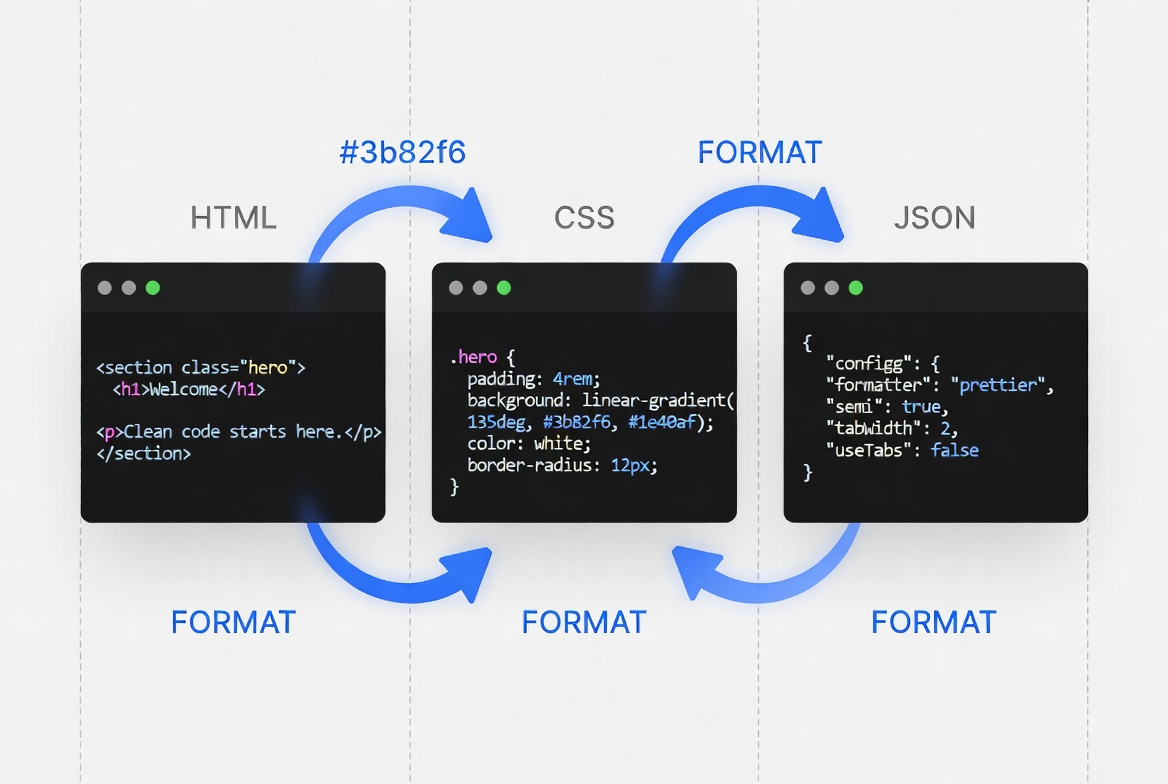
A practical workflow helps teams clean code consistently before validation and deployment.
Why formatting workflow matters for real projects
A formatting tool is not just a cosmetic utility. It is a risk-control layer in modern development pipelines. Teams that skip this layer often ship problems such as invalid JSON in API requests, duplicated selectors in CSS, broken indentation in HTML templates, and inconsistent coding style that slows code review.
Formatted code reduces cognitive load and lets reviewers focus on logic instead of whitespace noise.
Validation catches malformed payloads before production incidents and customer impact.
Consistent formatting reduces noisy git diffs and improves collaboration across branches.
Readable structure makes onboarding, debugging, and refactoring much easier over time.
Use the right tool at the right stage
Each tool serves a distinct purpose. Problems start when teams run minification too early or skip validation after formatting. The sequence below is reliable for most frontend and API workflows.
| Tool | When to use | Primary outcome |
|---|---|---|
| JSON Formatter | Immediately after receiving raw API payloads | Readable structure, syntax sanity check |
| HTML Formatter / Minifier | After template editing and content merge | Clean markup and compact production output |
| CSS Formatter / Minifier | After visual QA is complete | Organized style rules, reduced stylesheet size |
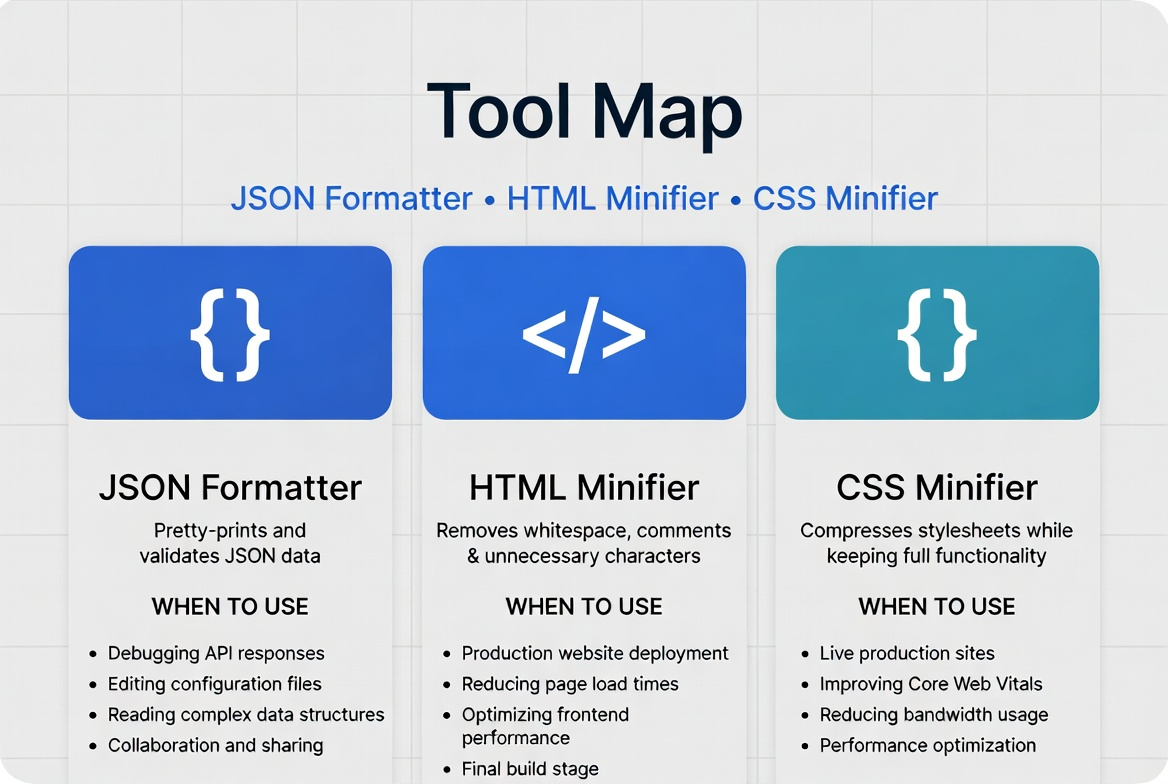
Map tools to phases so your team avoids formatting in the wrong order.
The 4-step cleanup process that scales
This process works for freelancers, startup teams, and enterprise squads because it separates readability work from delivery work.
- Beautify first: Convert compressed or messy input into readable structure so humans can inspect it confidently.
- Review second: Check naming, nesting, duplicate blocks, missing commas/braces, and semantic structure.
- Validate third: Confirm JSON syntax and expected schema shape before handoff to backend or automation.
- Minify last: Run minification only when content and logic are approved for deployment.
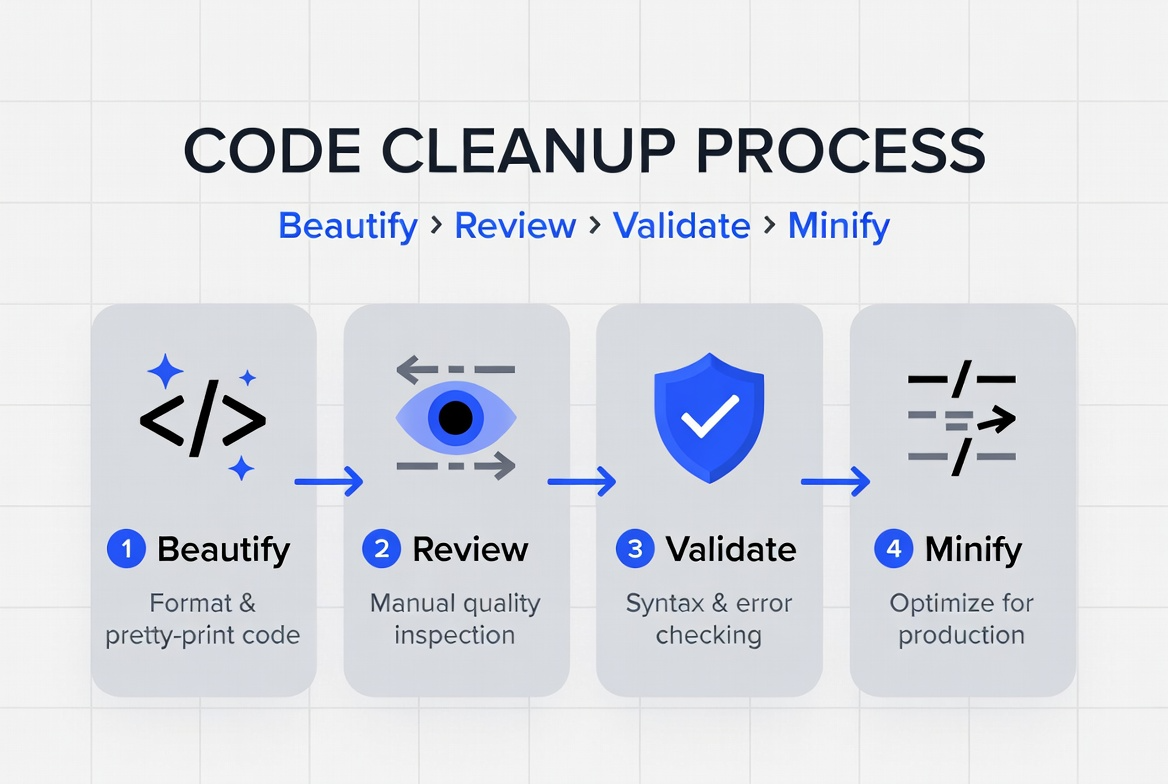
Keep the sequence stable to reduce regression and rework.
Team standards that prevent rework
Even great tools fail without shared standards. Define lightweight rules and apply them consistently in every pull request.
- Indentation policy: Choose 2 spaces or 4 spaces and apply it everywhere.
- Property ordering: For CSS and JSON objects, define a predictable order for readability.
- Trailing commas: Decide when they are allowed and keep the rule consistent.
- Pre-deploy checklist: Require format + validate + minify checks before release.
- Tool ownership: Assign one team owner to maintain formatter settings and update standards.
Suggested release checkpoint
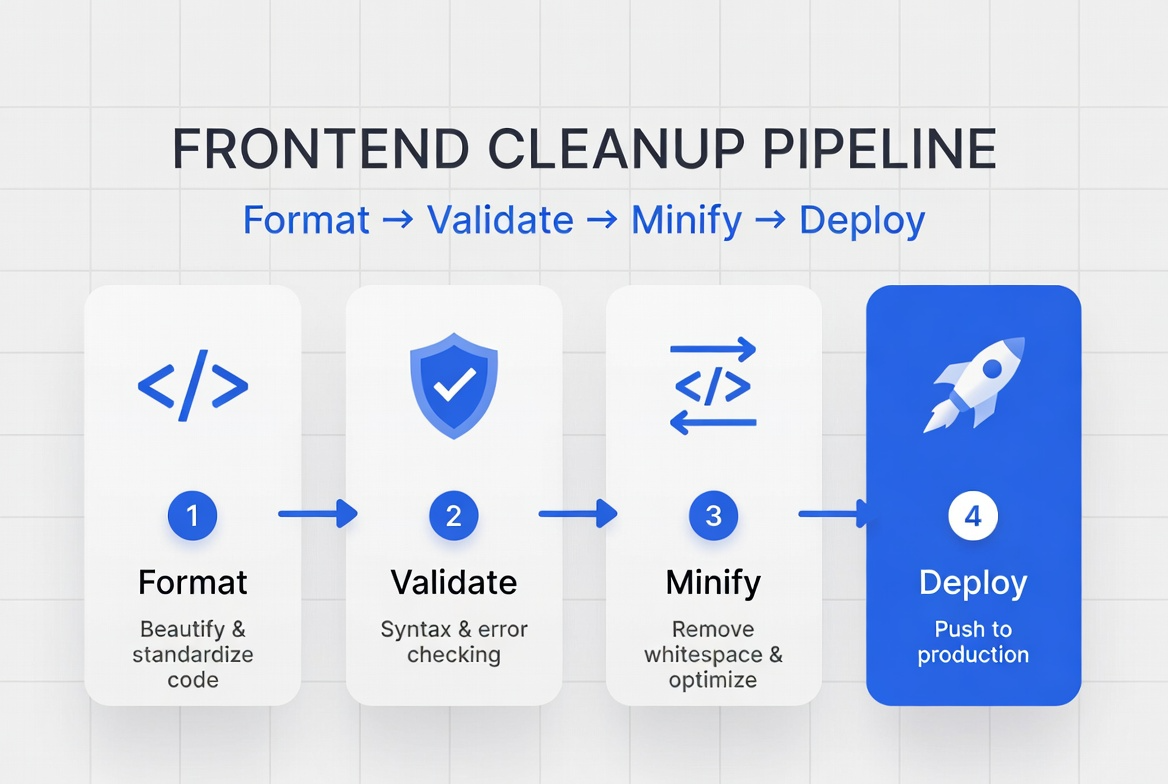
A simple release gate protects quality without slowing down delivery.
Implementation example for real teams
A practical weekly implementation can look like this:
- Monday to Thursday: Developers write and review readable code (beautified files only).
- Before merge: QA validates sample JSON payloads and checks HTML structure.
- Release window: CI or manual step runs minification for production artifacts.
- Post-release: Keep source files readable in repository; do not overwrite source with minified assets.
This approach balances developer productivity with runtime performance. Teams retain maintainable source code while shipping optimized output.
Common mistakes and how to avoid them
- Minifying too early: Makes debugging harder and increases review time.
- Skipping JSON validation: Leads to avoidable runtime failures in APIs and integrations.
- Mixing personal styles: Creates noisy diffs and slows collaboration.
- No checklist before deploy: Small syntax issues pass unnoticed and reach production.
- Treating formatting as optional: Inconsistent quality accumulates technical debt quickly.
Frequently Asked Questions
A: Usually no. Keep readable source files in the repository and generate minified files during build or deployment.
A: Formatting improves readability, but validation is still required to confirm syntax and structural expectations.
A: Yes. Content and operations teams can use the same process with browser tools and a simple checklist.
A: Indirectly. Smaller assets improve loading performance, which supports better user experience and search visibility.
Start your cleanup workflow today
Open the tools below and run one real file through the full sequence: format, review, validate, and minify. Once your team feels the speed gain in one sprint, standardizing the workflow across projects becomes straightforward.